1
Log into NHS login
On the login page, click on the “Log in with NHS login” button to be redirected to the NHS website. Alternatively, continue to NHS login by clicking the button below:




NHS login makes accessing different health and care websites and apps much easier as you only need one account. Once you’ve created an NHS login account, all you need is your provided email address and password to access many digital health and care systems.
To keep your data secure, when accessing NHS login via Care Networx app you will need to provide your NHS login details. These details will be your email address and mobile phone number together with your password.
Without NHS login, you’d need to visit your GP surgery in person and retrieve a linkage key (or passphrase). NHS login simplifies the process and automatically retrieves your credentials which we then use to send data to your GP record.
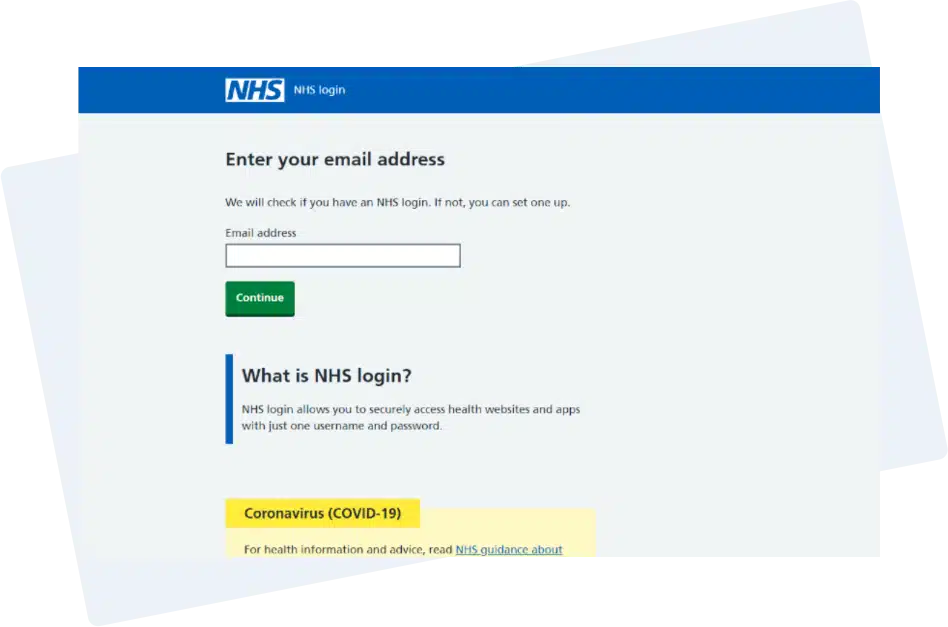
On the login page, click on the “Log in with NHS login” button to be redirected to the NHS website. Alternatively, continue to NHS login by clicking the button below:
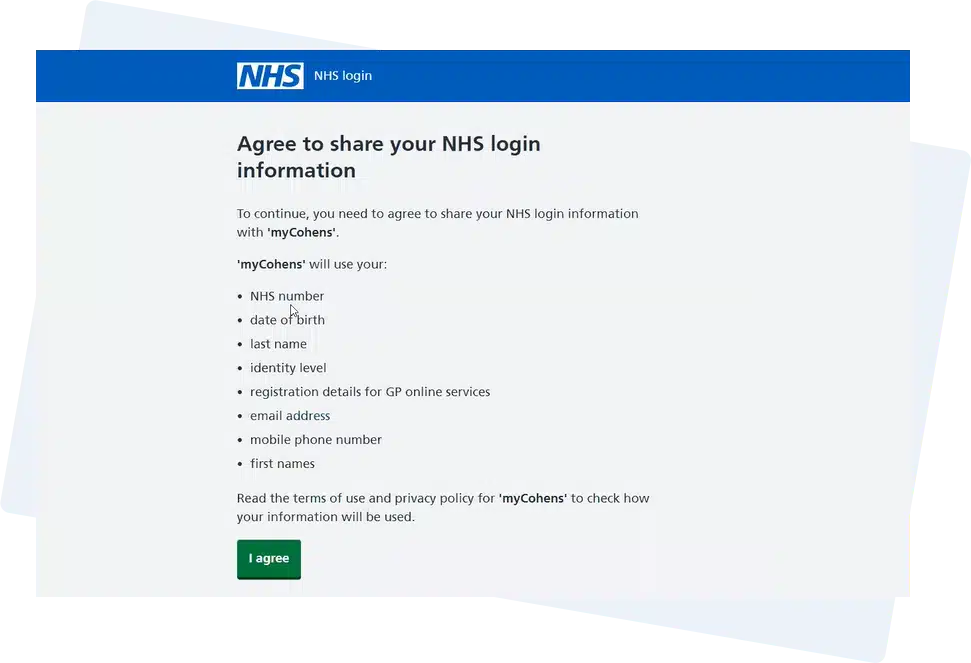
In order to link Care Networx with NHS login, you’ll need to first initially share your information with us so we can link with your GP.
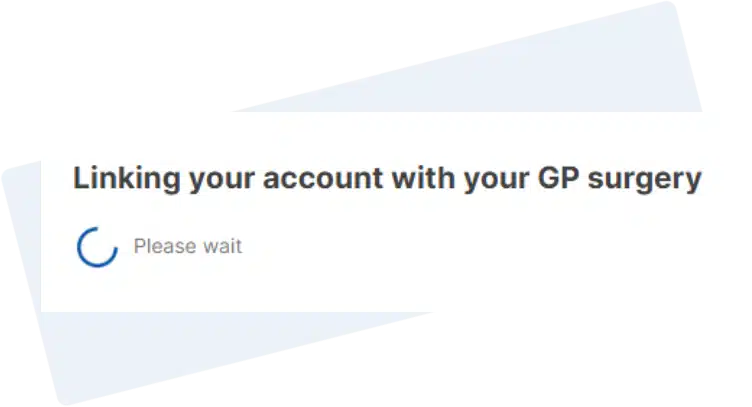
Once authorised, you’ll then be taken back to Care Networx where we will communicate with your GP surgery to link your account. This takes a few seconds and you don’t need to retrieve linkage details.
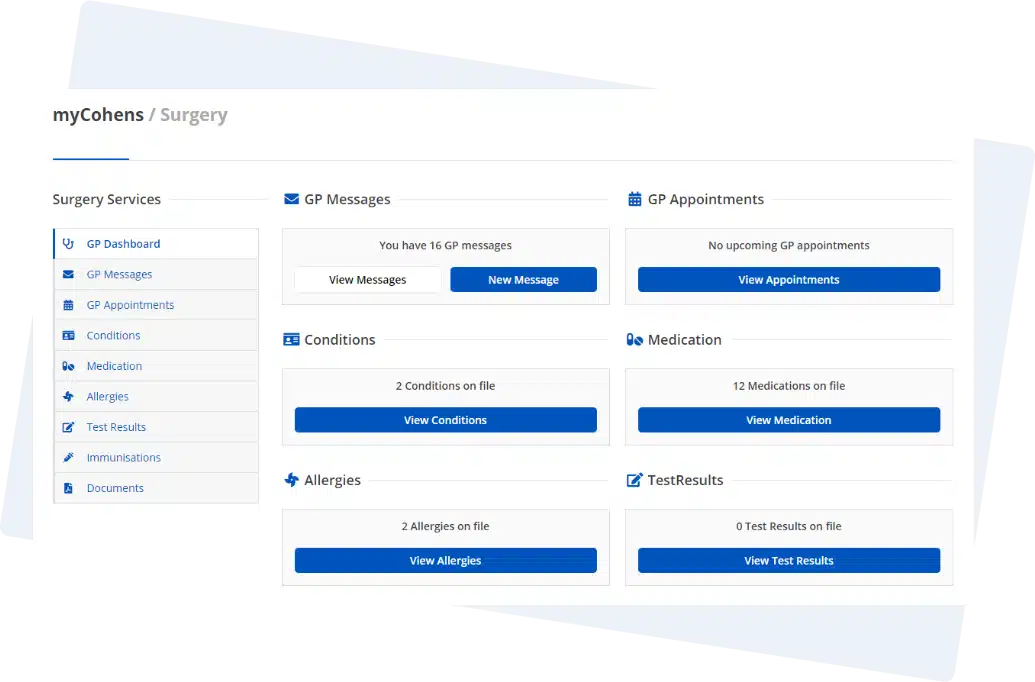
Once linked, you’ll be logged into Care Networx and you’re now ready to fast track your healthcare.
On the login page, click on the “Log in with NHS login” button to be redirected to the NHS website. Alternatively, continue to NHS login by clicking the button below:

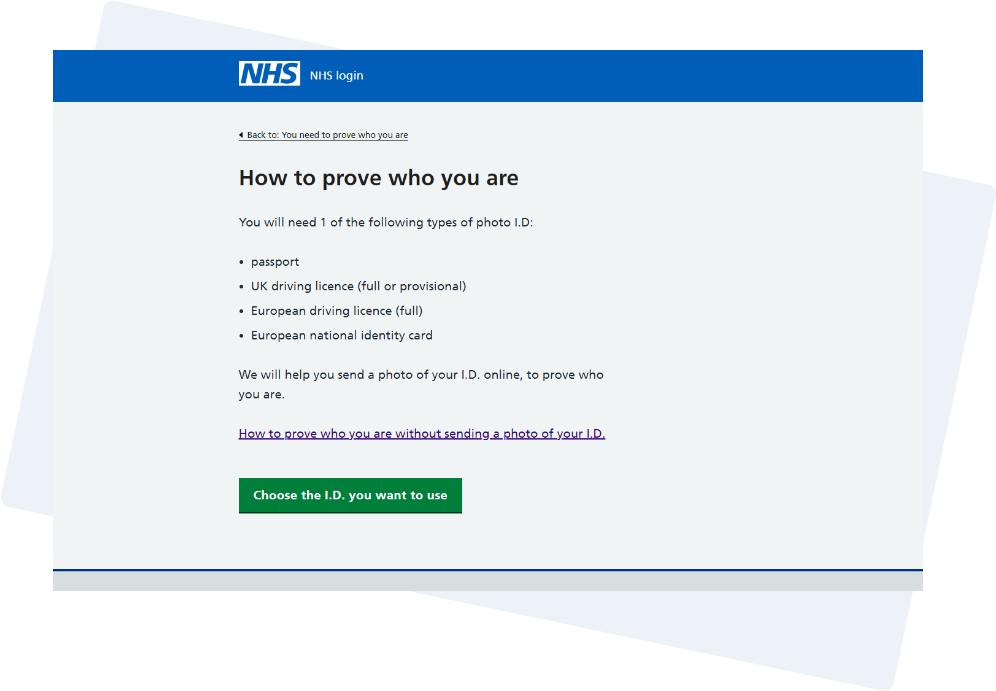
Before you can link with your NHS record you’ll first need to confirm your identity via NHS login.
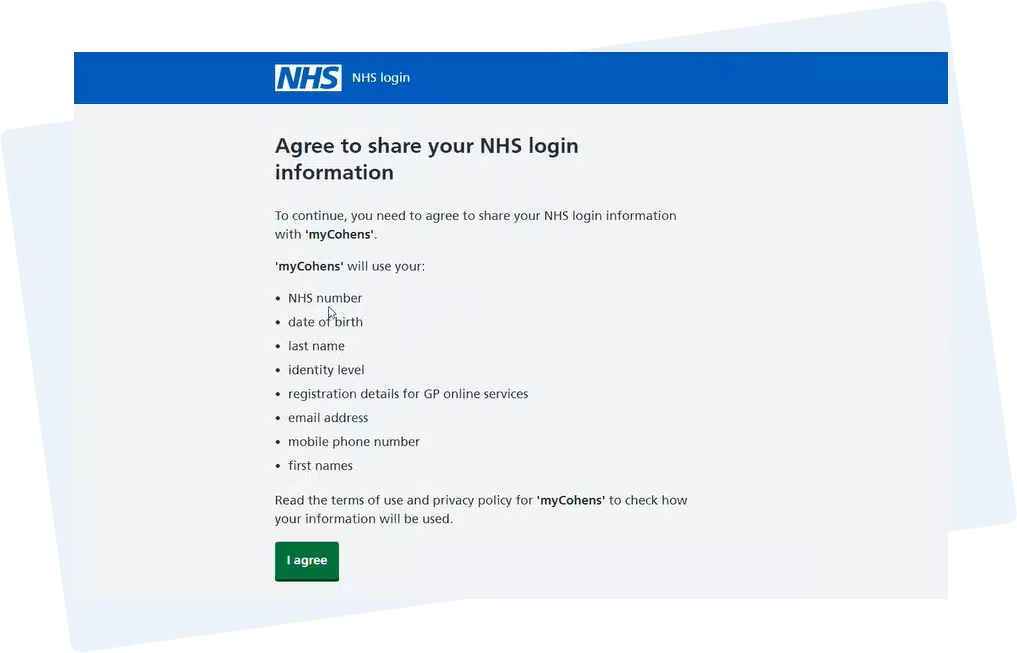
Once you’ve verified your identity, you’ll need to then agree to share your information with us so we can link with your NHS record.
Once authorised, you’ll then be taken back to Care Networx where we will communicate with your GP surgery to link your account. This takes a few seconds and you don’t need to retrieve linkage details.
Once linked, you’ll be logged into Care Networx and you’re now ready to fast track your healthcare.